
How to add a profile picture
FixyTrade PlatformUpdated
In short
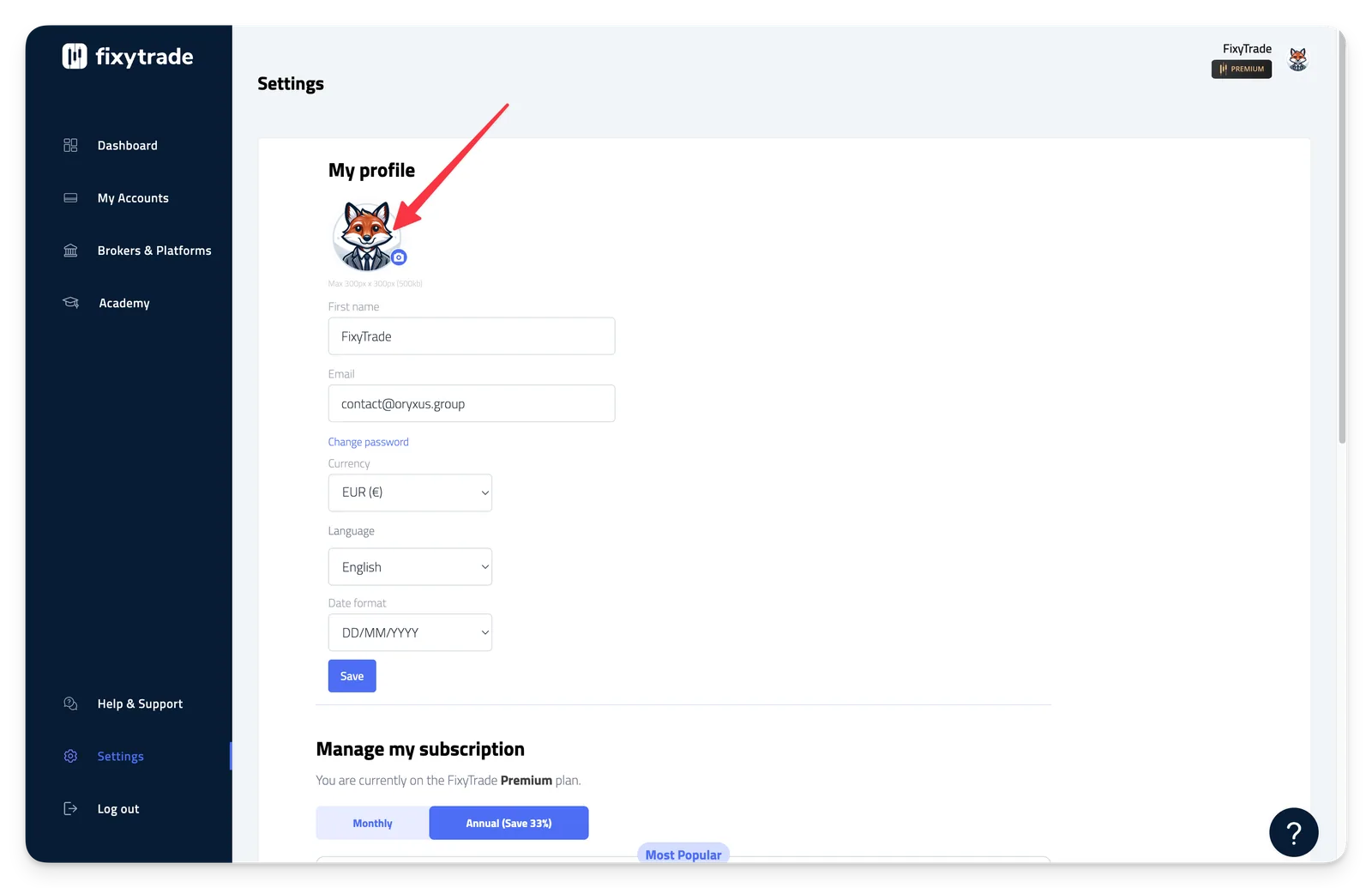
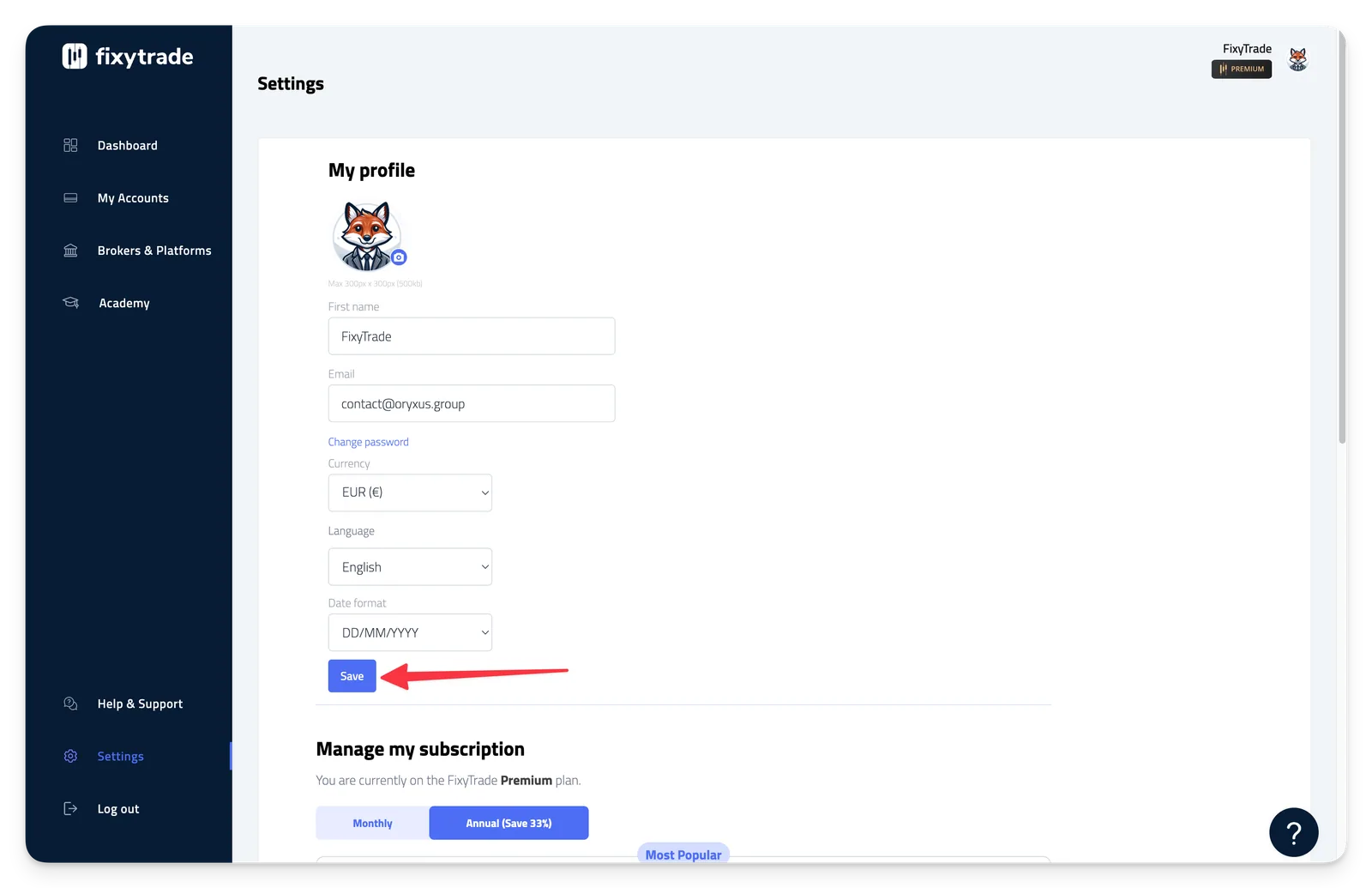
To add a profile picture to your account, follow the steps below: - Step 1: Click on "Settings" - Step 2: Click on the camera icon to select an image to…
To add a profile picture to your account, follow the steps below:
-
Step 1: Click on "Settings"
-
Step 2: Click on the camera icon to select an image to import.
Note
💡 **Important **Maximum image size: 300px x 300px ; Maximum image weight: 500ko
- Step 3: Once imported, click on "Save" to confirm.
Related articles
How to change a trading account name
FixyTrade Platform
Learn how to use "My Accounts"
FixyTrade Platform
How to delete a trading account
FixyTrade Platform
Add and sync a trading account
FixyTrade Platform
Can’t find it?
Write to us — a person answers.